
WhatsApp Link Generator
Create a WhatsApp chat link and QR code. Live preview, colors, styles, logo and download options included.
Easily create and share direct WhatsApp links with our free WhatsApp link generator. Whether you want to chat without saving numbers, create a WA link, or design a customized WhatsApp QR code, our tool makes it quick and simple.
Enter Phone Number
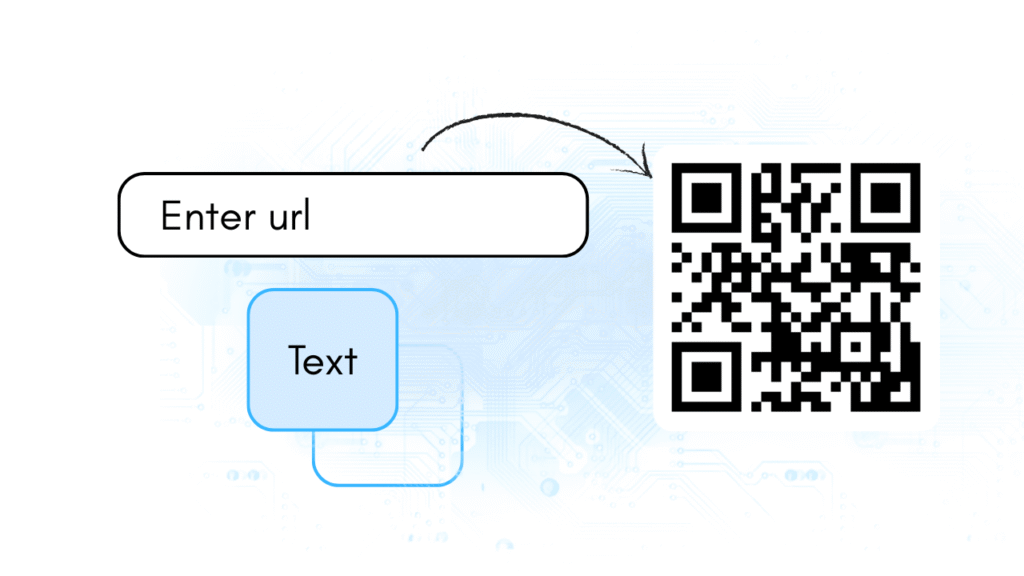
Type the phone number along with the correct country code. You can also add a greeting message that will appear when someone opens the link.
Generate WhatsApp Link & QR Code
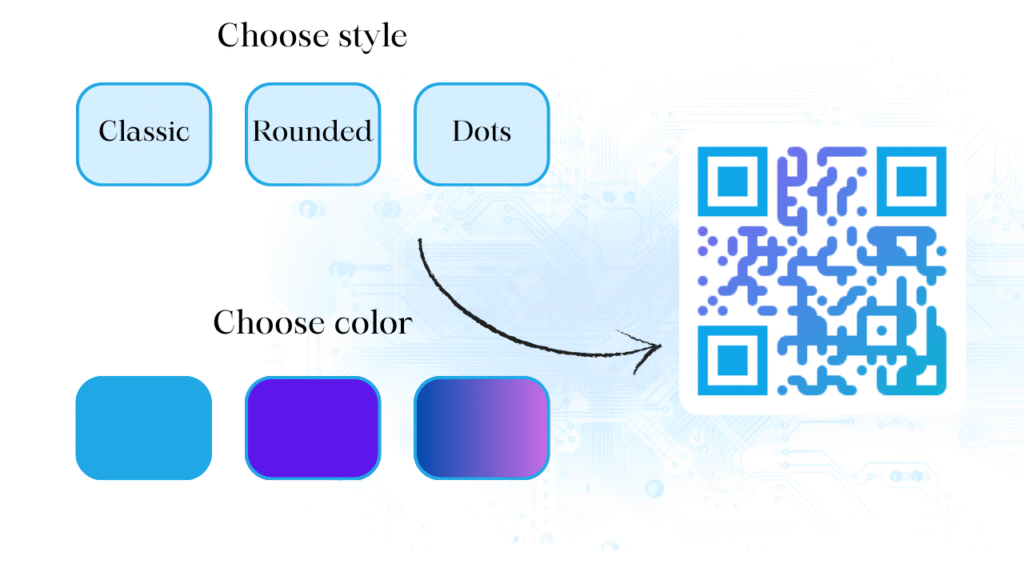
Click generate, and our tool will instantly create a WA link and a WhatsApp QR code. You can also customize the QR code with different colors and styles.
Share or Download
Share the WhatsApp link directly, or download the WhatsApp QR code in PNG/SVG format to print or use online.
How to create a WhatsApp link?
Simply enter the phone number with the country code in our WhatsApp link generator, add an optional greeting message, and click generate. Your link and QR code will be created instantly.
How to share a WhatsApp link?
Once you generate your WA link, copy it and share it via email, social media, or your website. You can also share the WhatsApp QR code by printing or sending it digitally.
How to message on WhatsApp without saving a contact number?
With our WhatsApp link generator, you can create a direct WA link of the number. Open the link in your browser, and it will automatically redirect you to WhatsApp to start the chat.
How to create a WhatsApp invite link?
To create a group invite link, go to your WhatsApp group settings and select “Invite via link.” For personal chats, you can use our WhatsApp link generator to create direct one-to-one chat links.
What is the purpose of a WhatsApp link?
A WhatsApp link makes it easy for people to contact you directly without saving your phone number. Businesses often use WhatsApp QR codes or links on websites, posters, or business cards to connect with customers instantly.
Features of Our WhatsApp Link Generator
Our free WhatsApp link generator makes it simple to create direct chat links and WhatsApp QR codes without saving contacts. Here’s what you get:
Direct Chat Without Saving Numbers
Start conversations instantly. By creating a WA link, anyone can message you directly on WhatsApp without needing to save your phone number.
Customized Greeting Message
Add a pre-written greeting message to your WhatsApp link so chats begin with a personalized touch. This is perfect for businesses that want to greet customers automatically.
Multi-Color & Style Customization
Stand out with creative QR designs. Choose from multi-color combinations, try multi-style patterns, and select rounded or sharp corners. With our QR code builder, your codes are functional & stylish.
WhatsApp QR Code
Along with links, you can generate a WhatsApp QR code that can be shared online or printed on business cards, posters, and menus for easy scanning.
Generate QR Code
“Generate Your Free QR Code Instantly – Customize, download, and share unlimited QR codes in PNG or SVG format. Fast, simple, and 100% free.
Business Communication
Share a WA link on your website, email signature, or social media so customers can reach you instantly without saving your number.
Marketing and Promotions
Add a WhatsApp QR code to posters, flyers, or product packaging to connect customers directly with your offers and services.
Customer Support
Provide quick support by creating a WhatsApp link with a pre-filled greeting message, making customer queries easier to handle.
Events and Invitations
Include a WhatsApp link or QR code in event invitations and tickets to simplify RSVPs and guest communication.
Personal Use
Easily share your WhatsApp contact with friends or groups using a WA link, avoiding the need to type or save numbers.
Online Shops and E-Commerce
Online sellers can display a WhatsApp QR code or link on their product pages so buyers can ask questions or place orders directly